LUXD Products · LUXD Tidy
Keep your PC in order,
carefully.
One Windows app for the jobs that keep a PC in order: measuring junk, reviewing old downloads, finding duplicates and checking hardware and security. Read-only until you say otherwise.
In development · build 0.5.0 · Windows 10 and 11
See it
on screen.
Filmed on the real screens, using sample data. Every scene is written out underneath.

The film could not play here. Everything it shows is written on this page.
Read what the film shows
Opening
Lux Tidy: keep your PC in order, safely. The Windows app William built when his own laptop was struggling. Shown on sample data, build 0.5.0, still named LUXD Clean.
Overview
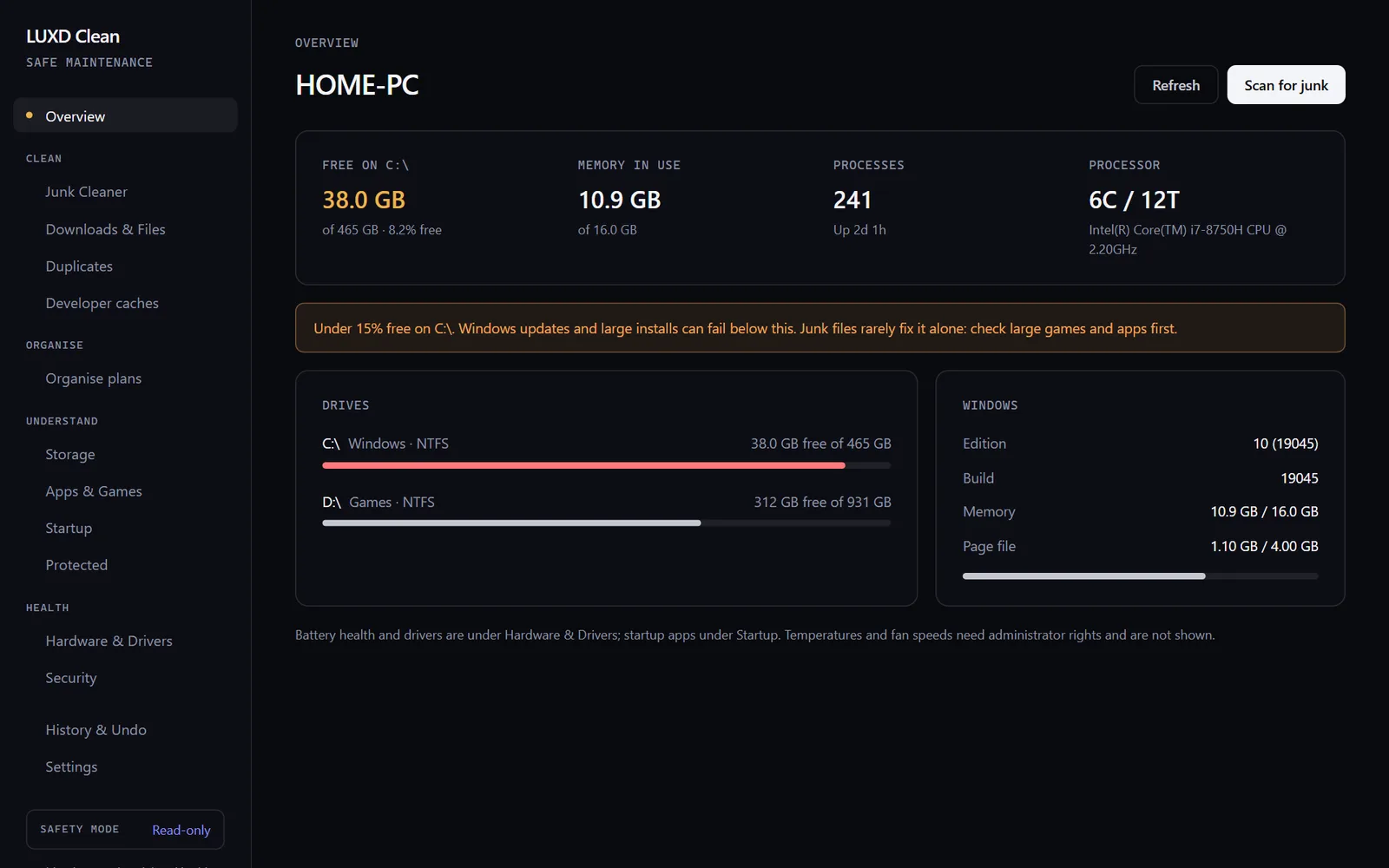
Free space, memory and drives at a glance, with a warning when C: runs low.
Junk Cleaner
Temporary files, browser caches and crash dumps, measured before anything happens. Cache cleanup is paused in this beta.
Downloads and files
Old installers and forgotten downloads. Files you tick go to a folder you can check, never straight to the bin.
Duplicates
Extra copies matched by their contents, not their names. One copy is always kept.
Organise
A tidier folder structure, every proposed move listed first with its reason. This part is still being built.
Hardware and drivers
Battery wear, disk health and driver ages in plain English. It reads; it never installs.
Security
Microsoft Defender, the firewall and files that look like passwords. Windows Security stays in charge of protection.
Safety mode
Read-only by default. Nothing moves until you allow it, and nothing in this beta deletes your files.
Close
Lux Tidy, beta in preparation.
Click through
the screens.
Press the outlined control to move through the screens, or use Next. Arrow keys work too.
Step 1 of 8
Overview
Free space, memory and drives at a glance. C: is running low, so LUXD Tidy says so first.
Step 2 of 8
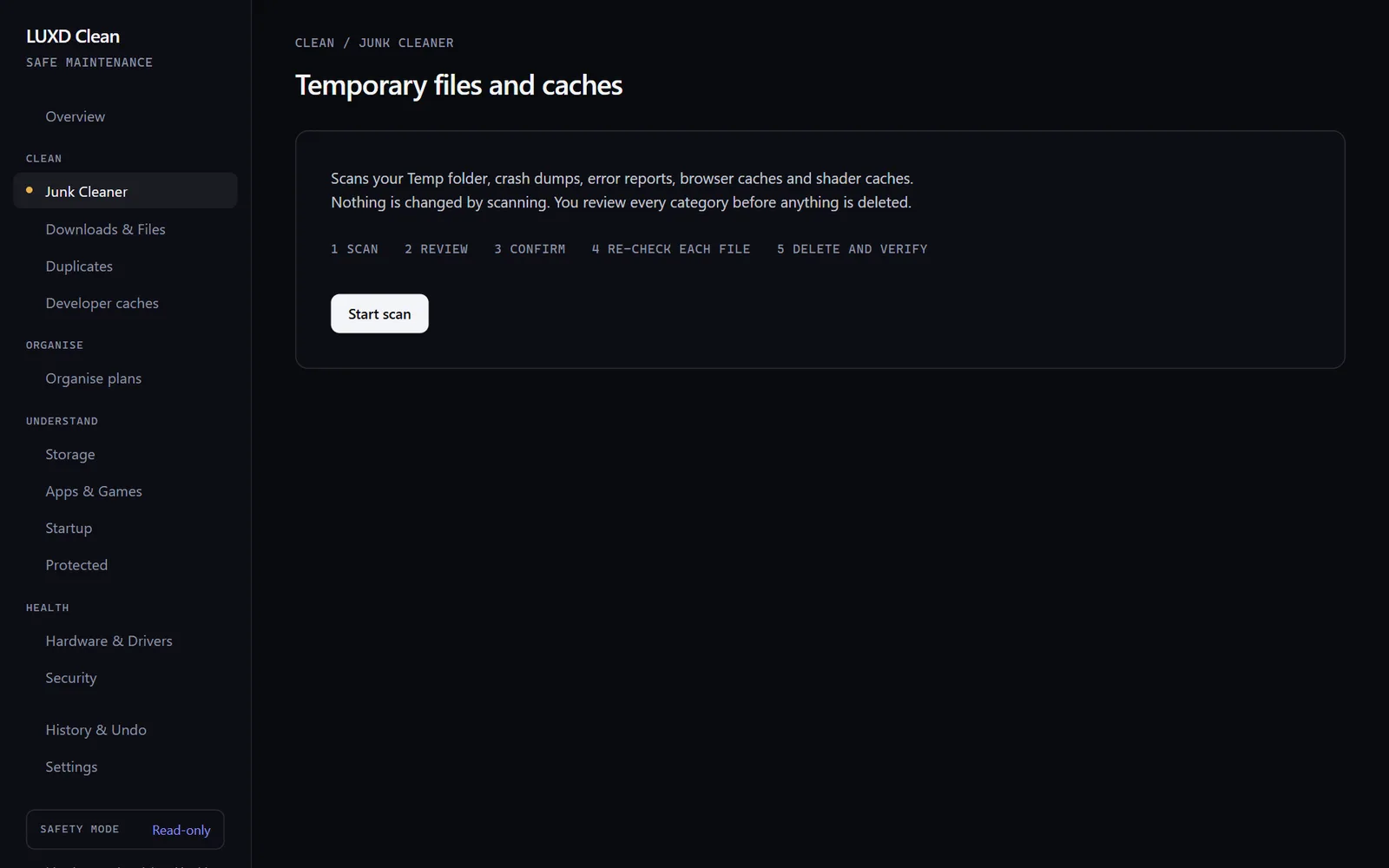
Junk Cleaner
Nothing is touched by scanning. Press Start scan to see what could be cleared.
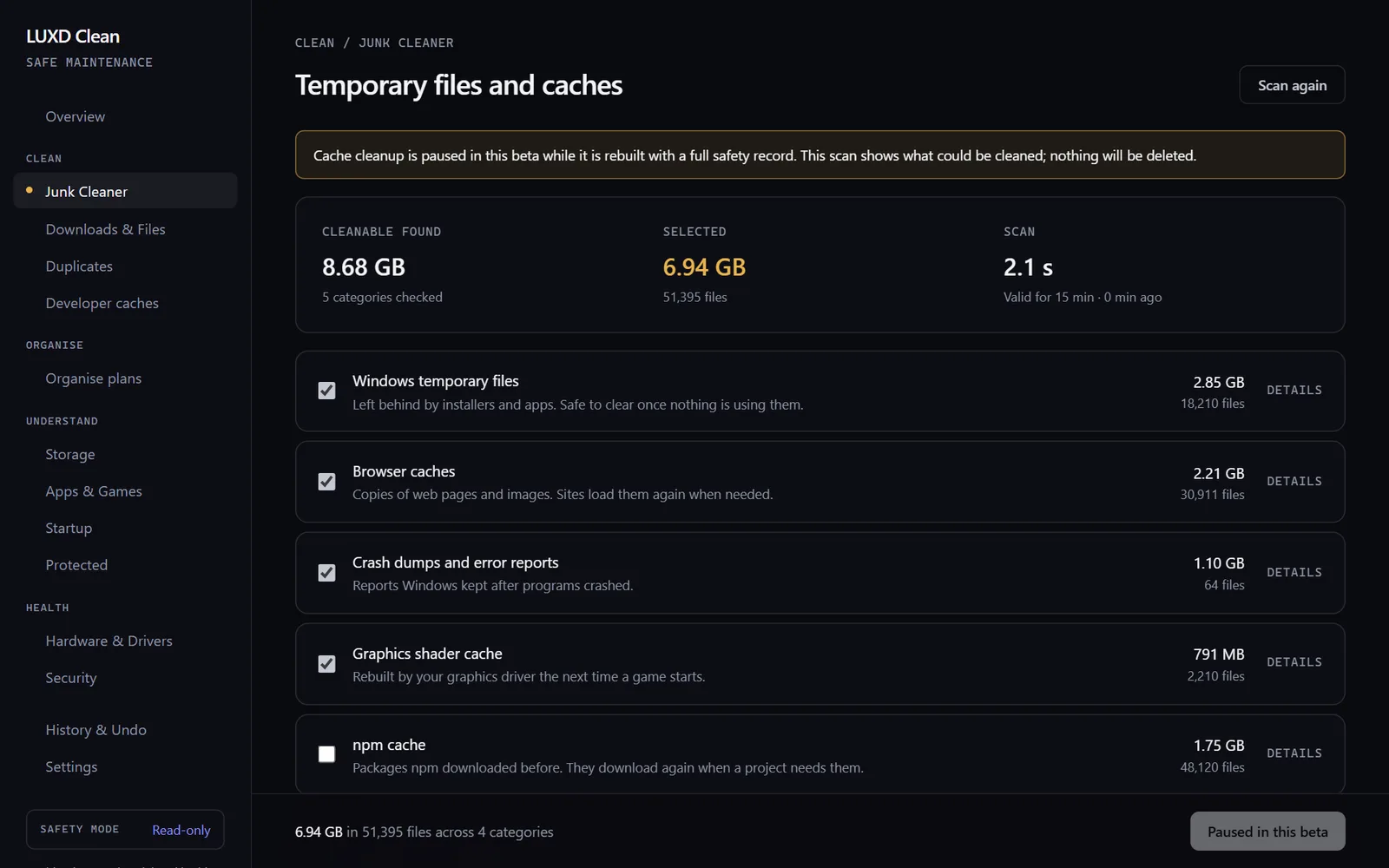
Step 3 of 8
What could go
Each kind of junk is measured first. Cache cleanup is paused in this beta while its safety checks are rebuilt.
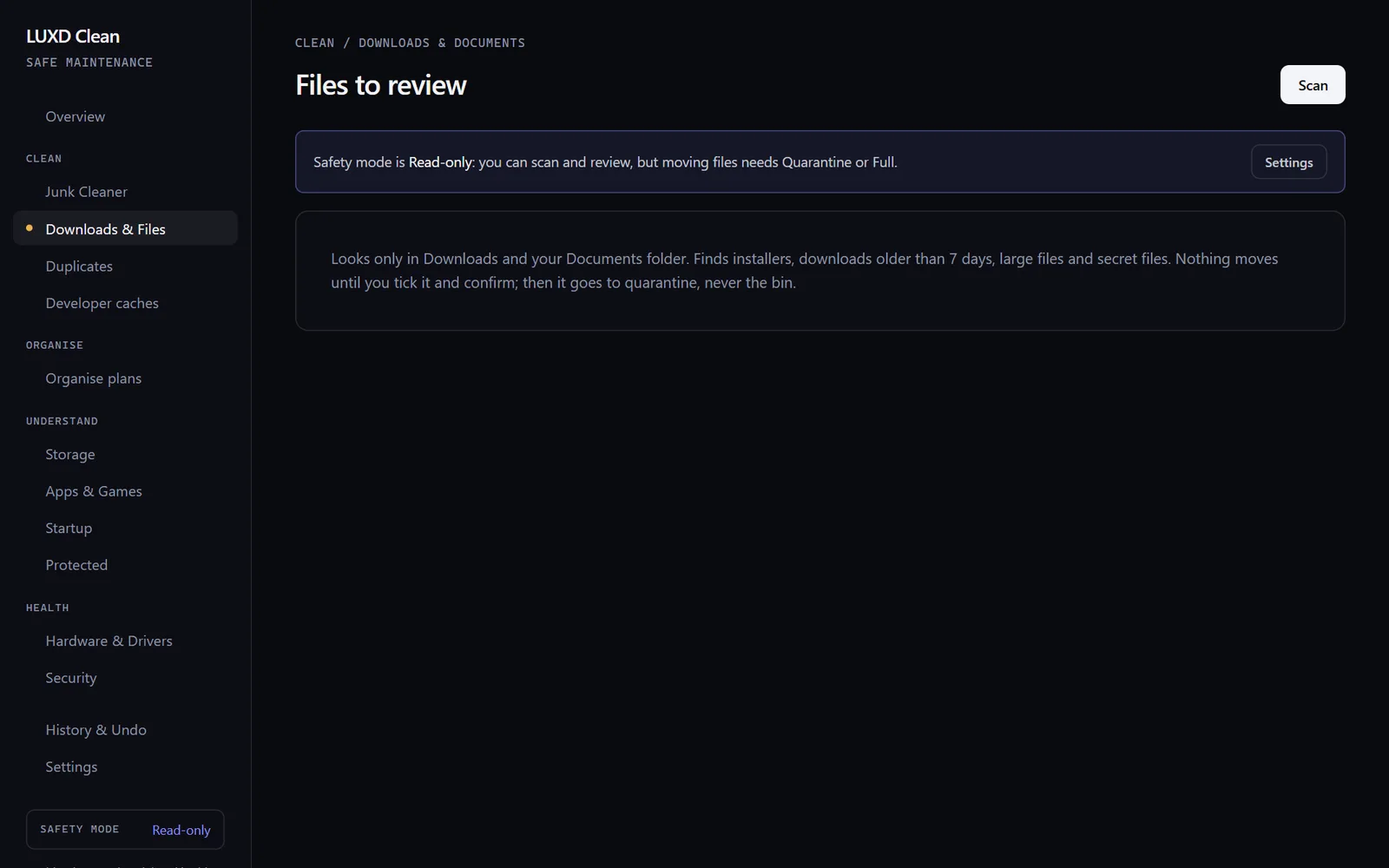
Step 4 of 8
Downloads & Files
It looks only in Downloads and Documents. Press Scan.
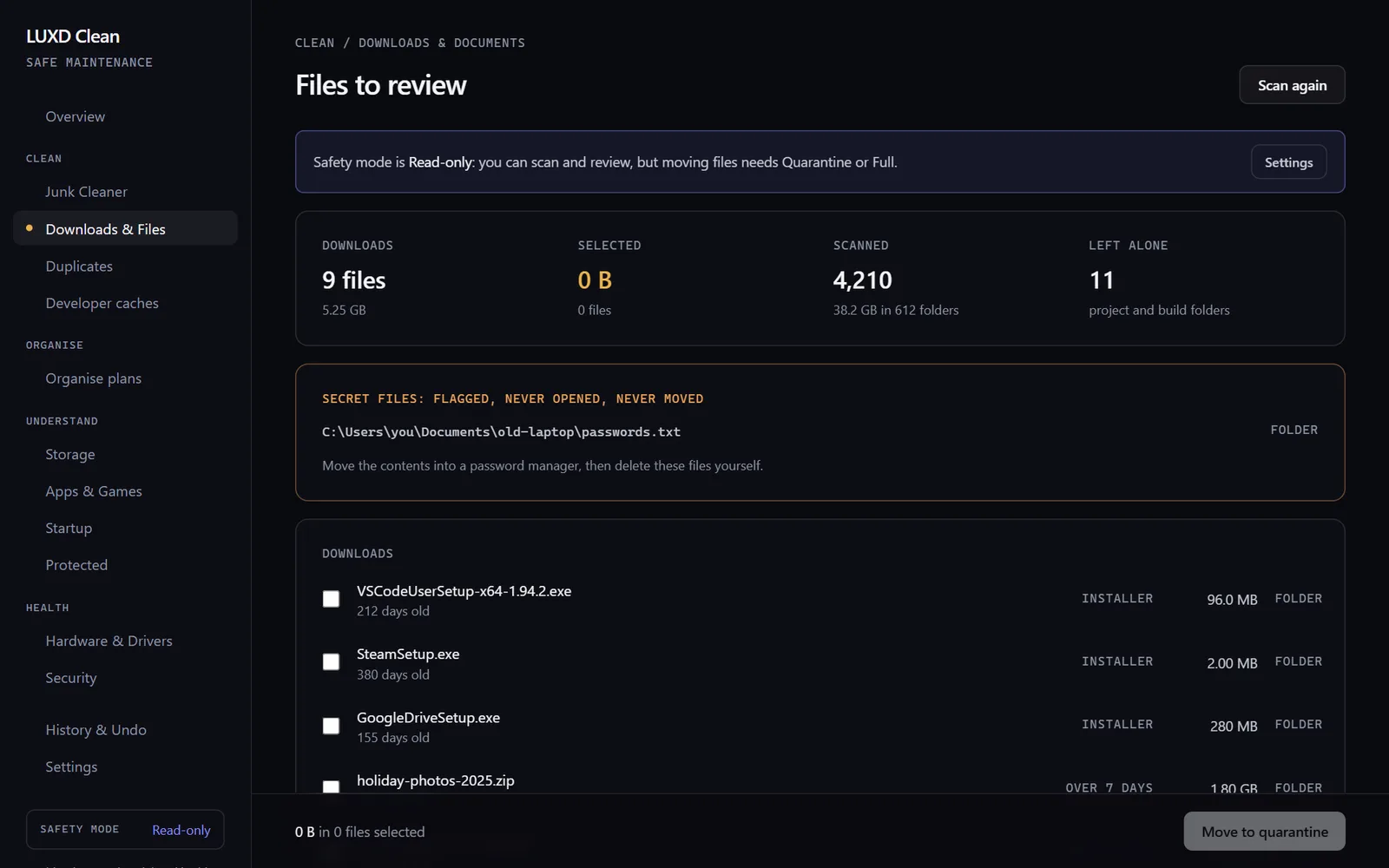
Step 5 of 8
Files to review
Old installers and forgotten downloads, with a file that looks like passwords flagged and never moved.
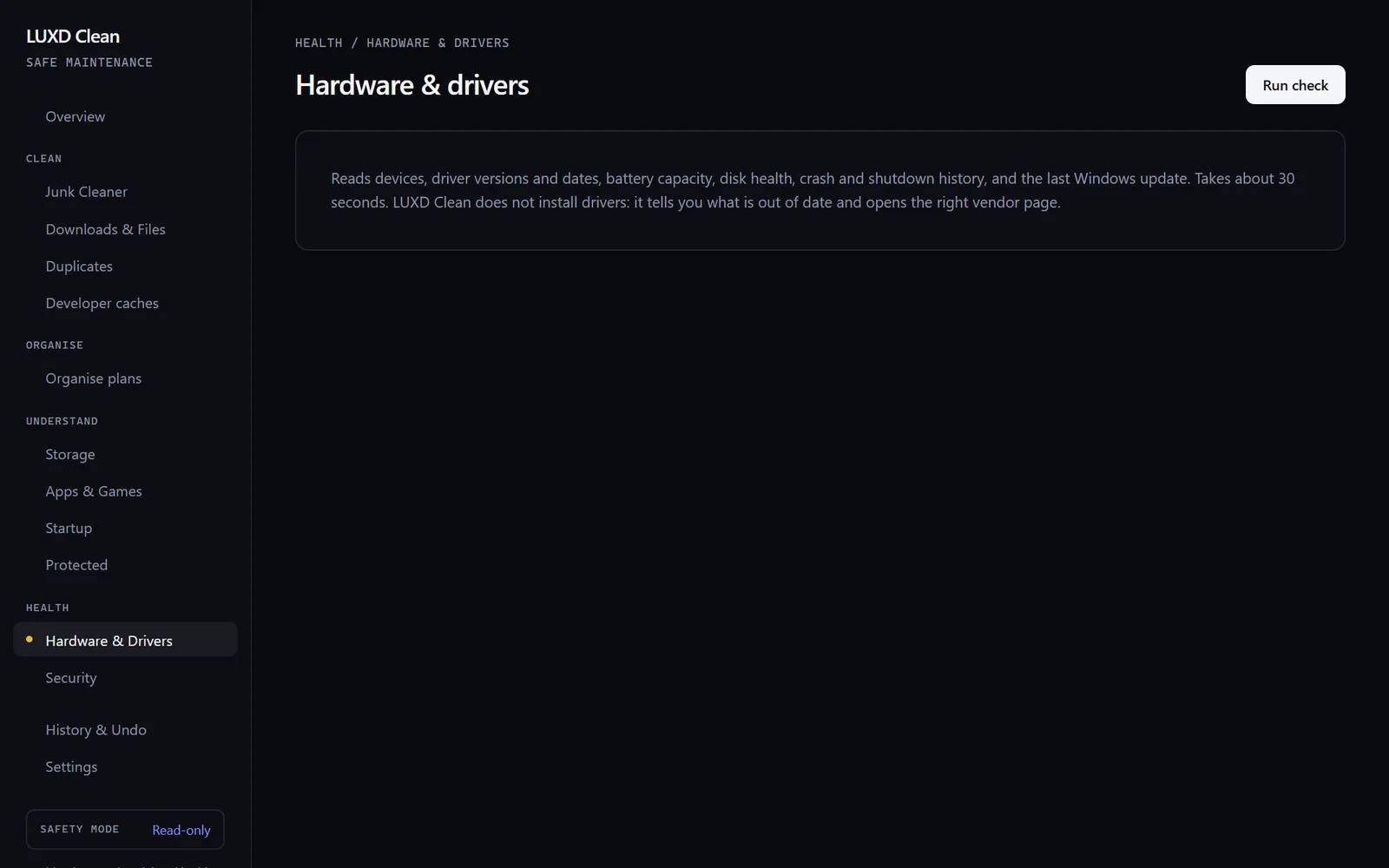
Step 6 of 8
Hardware & Drivers
A read-only check of battery, disks and drivers. Press Run check.
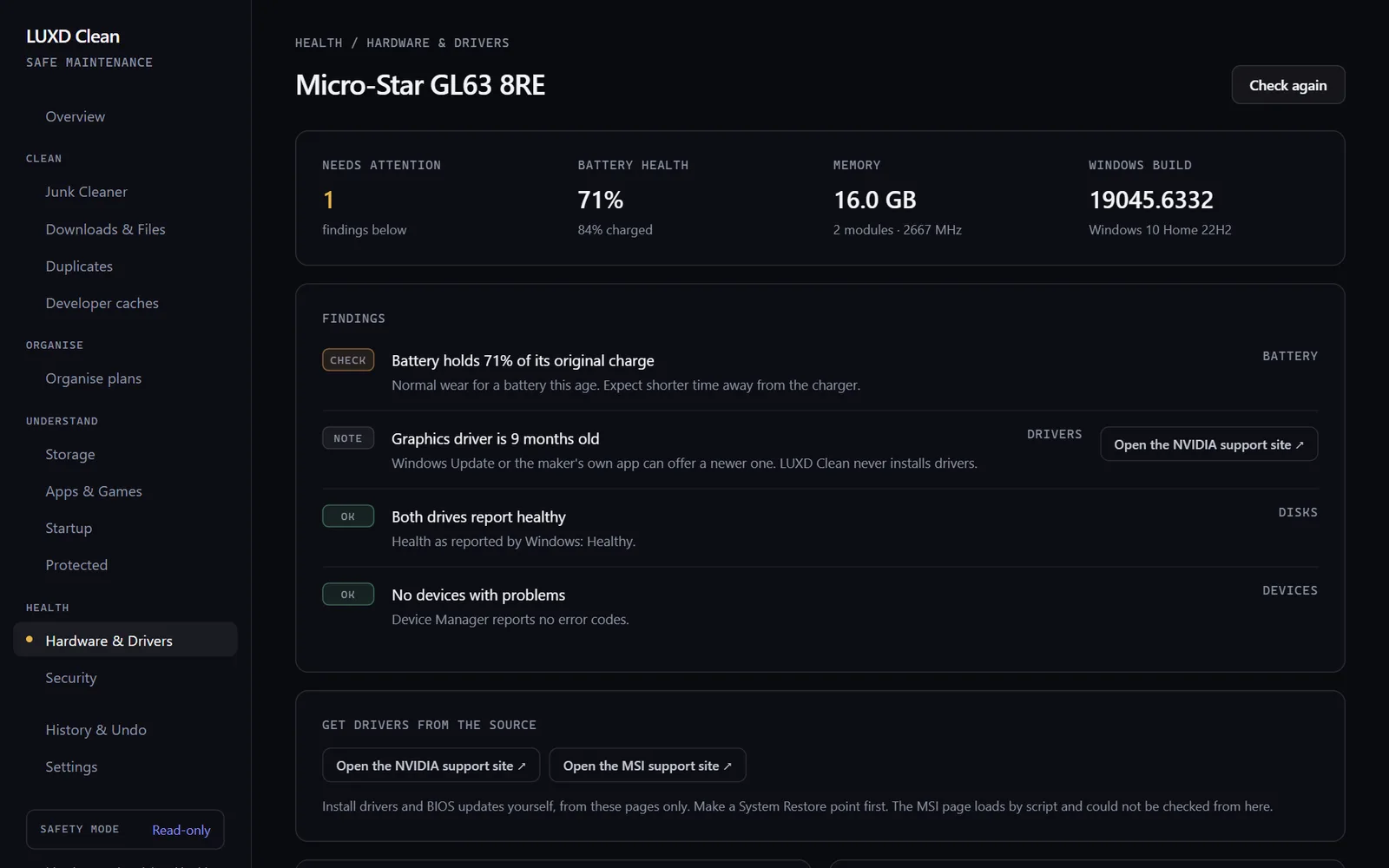
Step 7 of 8
Explained in plain English
Battery wear and driver ages, with links to the maker. LUXD Tidy never installs drivers.
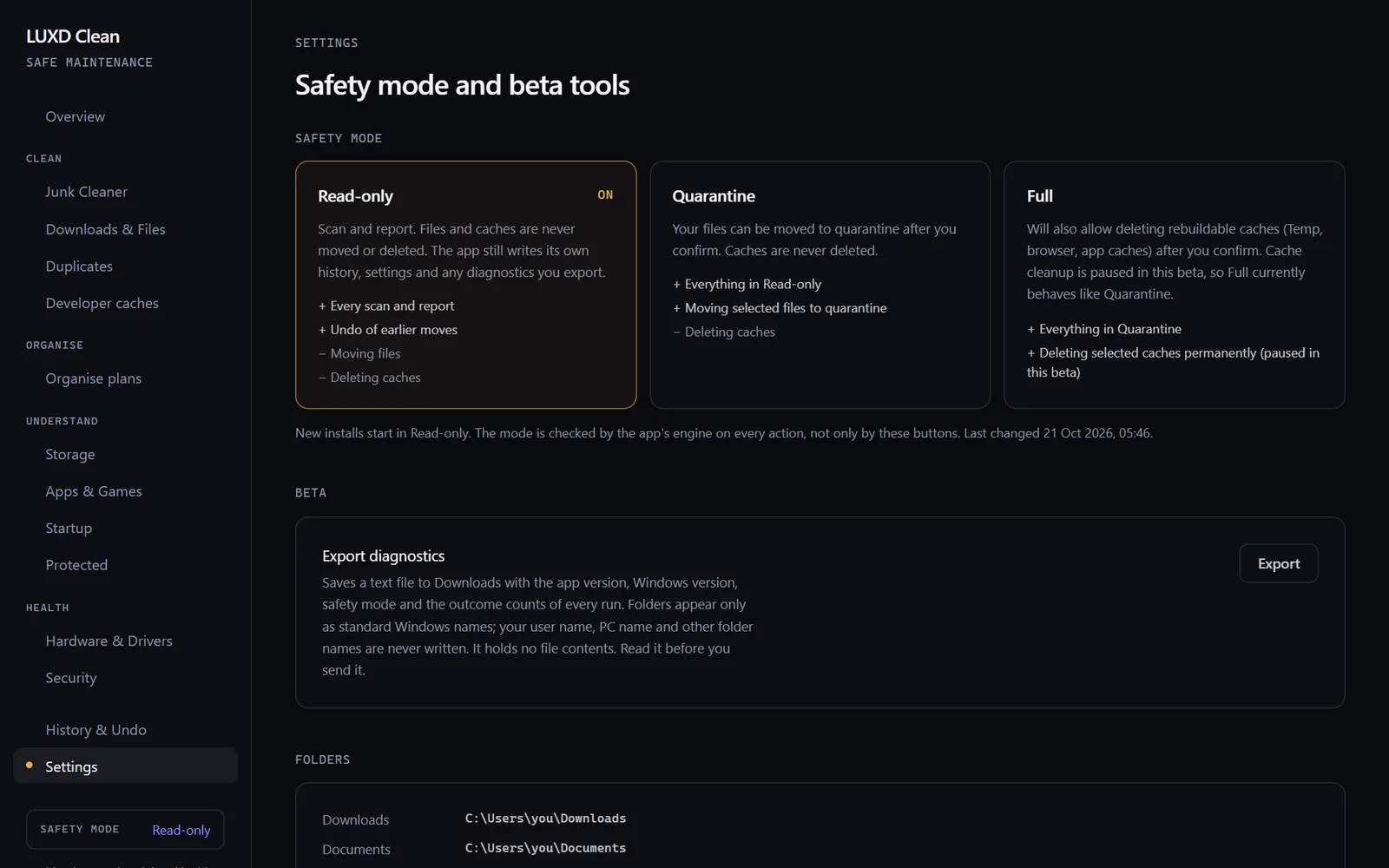
Step 8 of 8
Read-only by default
Nothing moves until you choose Quarantine, and nothing in this beta permanently deletes your files.
Why it exists
Built out of necessity: a struggling laptop and a £0 subscription goal.
LUXD Tidy started with William's own laptop. It was struggling, the Downloads folder was a mess, files went missing and keeping it in order was taking hours.
He was also paying every month and every year for clean-up and security software. So he set himself a goal: get those subscriptions to zero, building his own tools where he could and using what Windows already includes for the rest.
The first versions were separate agents run from the terminal, each needing a prompt every time. That could not last, so he turned them into one desktop app.
What it
does.
- Junk check
- Downloads review
- Driver and hardware check
- Security check
- Zero-subscription goal
Junk CleanerCleanup paused in this build
Temporary files, browser and app caches and crash dumps, measured before anything happens.
Downloads and files
Old installers, forgotten downloads and large files. What you tick moves to a folder you can check, with Undo.
Duplicates
Extra copies matched by their contents, not their names. One copy is always kept.
OrganisePreview only
A tidier folder structure, every proposed move listed first with its reason.
Hardware and drivers
Battery wear, disk health, devices and driver ages in plain English, with links to the maker. Read-only.
Security check
Microsoft Defender, the firewall, updates, accounts and files that look like passwords. Read-only.
Where it
stands.
LUXD Tidy is not antivirus. Windows Security stays in charge of protection, and Windows Update stays in charge of drivers.
- Build
- 0.5.0, 17 October 2026
- Platform
- Windows 10 and 11
- Safety
- Read-only by default; nothing permanently deleted in build 0.5.0
- Status
- Not yet run on real Windows; installer not yet signed
Join the
beta list.
The first beta opens once the build has run on real Windows and the installer is signed. Tell William you would like to try it, and on which version of Windows.
Also from
LUXD Products.